HDD and SSD
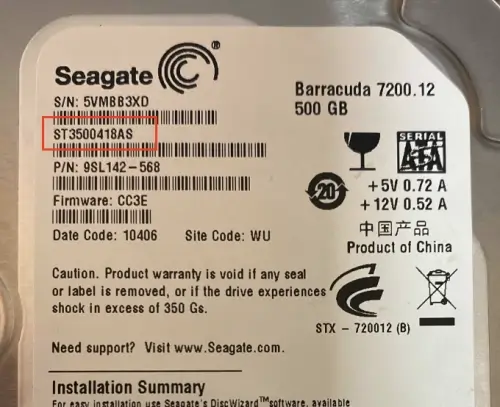
HDD and SSD usually have a model number, serial number, and capacity printed on the sticker. You should be able to find the model number on the back of the device. The model number is usually a combination of letters and numbers, such as ST3500418AS. The serial number is a unique identifier for the device and is usually a combination of letters and numbers, such as ZA16A1F2. The capacity is the amount of storage space on the device and is usually measured in gigabytes (GB) or terabytes (TB).
Seagate ST3500418AS HDD
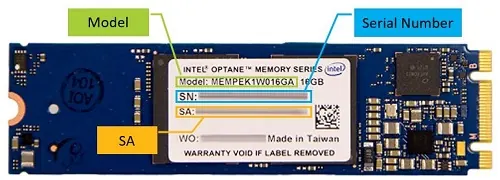
Example for an Intel® SSD
USB Protable HDD or SSD
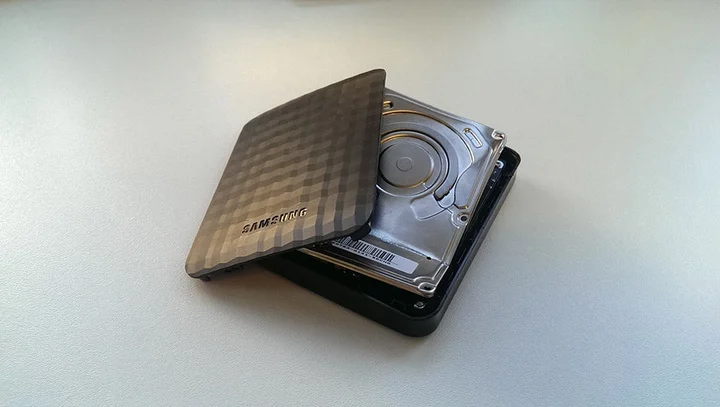
Usb portable HDD or SSD are kinda tricky. They usually have a laptop HDD or nvme SSD inside. You may find a model number on the sticker, but it is not always matching the actual HDD or SSD inside. The best way to get the model number is to open the case and check the HDD or SSD inside. You can also use the software to check the model number.
Samsung Protable HDD with a 2.5" HDD in it
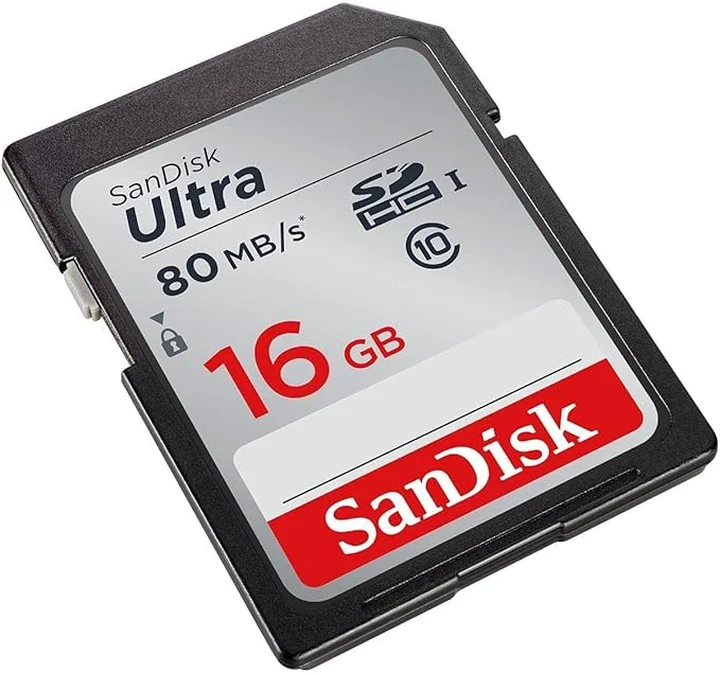
SD Cards and USB stick
For most of the SD cards and USB sticks, you can find the model number printed on the surface of the device. The model number is usually a combination of letters and numbers, such as SDSDXPA-064G.
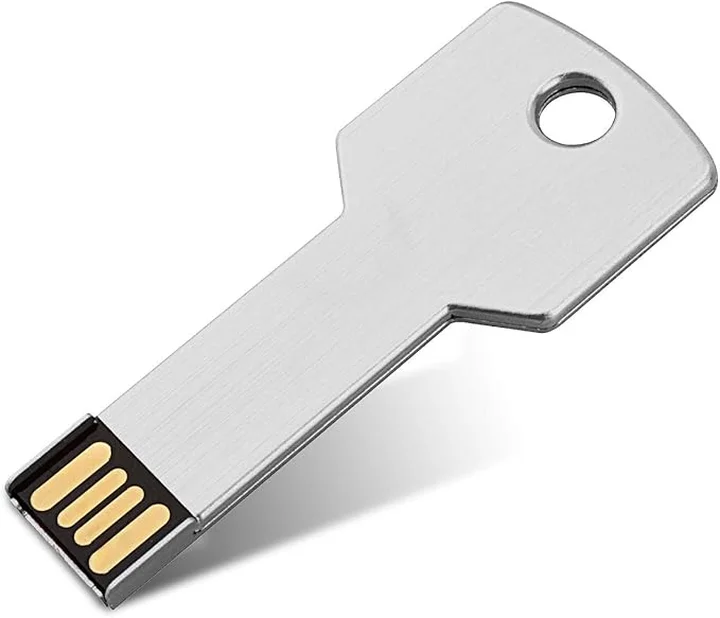
For some of the unbranded USB sticks or the brand is not from a well-known company, unless you can check if with special software, you won't be able to get the model number.
SanDisk SD Card SDSDUNC-016G-GN6IN
Unbranded Key Shape USB Drive